Rule actions
Forward, create a CRM lead, run an MCP tool, flag, suggest a reply, or chain steps you define. Scope to one mailbox or all connected accounts.
NeoMail is a full client, not a layer on webmail. Rules and a permanent catch-all handle most of the work. Second Mind holds context when you need to remember. Integrations and agents are there when a thread needs more.
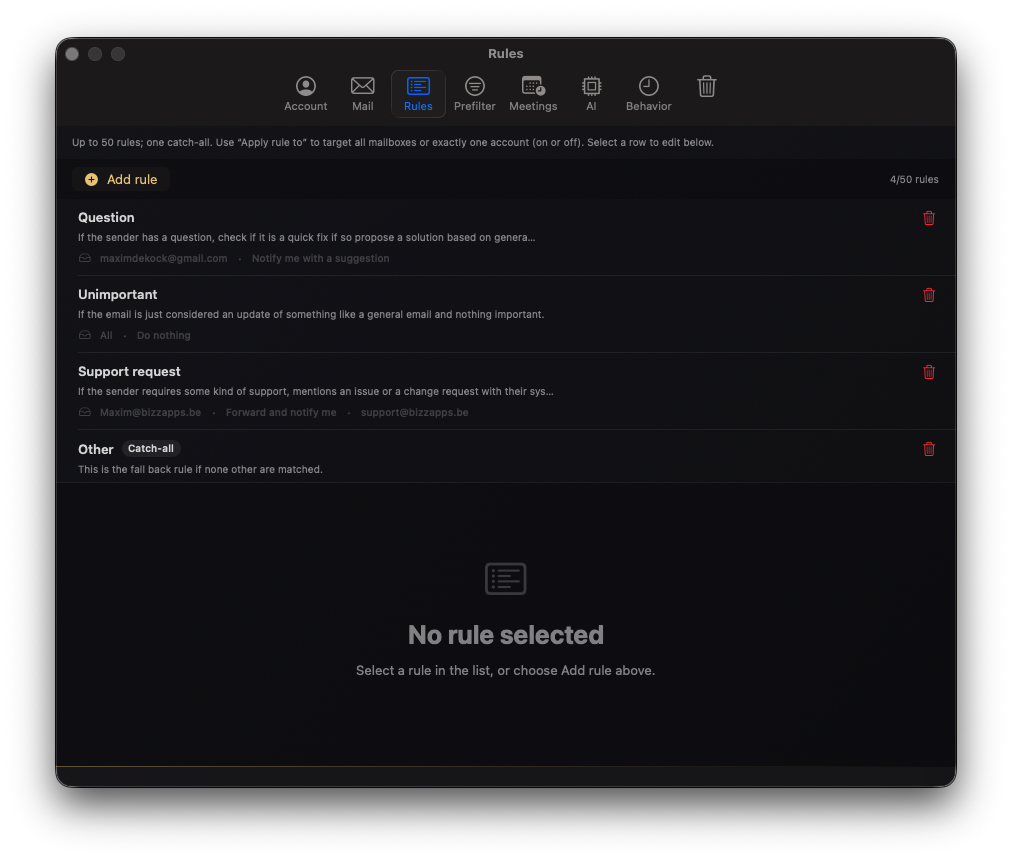
Up to fifty specific rules plus one catch-all. Each rule has criteria in plain language and an action when they match.
Forward, create a CRM lead, run an MCP tool, flag, suggest a reply, or chain steps you define. Scope to one mailbox or all connected accounts.
Always on, not deletable. Unmatched mail gets a suggestion. You choose whether to follow it. This is where most inboxes start before automation grows.
Actions on catch-all mail are recorded. Repeat the same choice on similar mail and NeoMail can offer a new rule. Less manual coaching over time.
Enable capture per rule when context should inform future answers.
Recent thread detail and decisions age out on a rolling window. Good for active work without hoarding everything forever.
Standing facts, tone notes, and client preferences you pin stay until you edit them. Used for mail questions and meeting prep.
Query what happened in a thread, or pull correspondence related to an upcoming meeting, from the same memory store.
Salesforce, Dynamics 365, calendars, and MCP-connected services run when a rule says so, not as a separate product surface.

Agents summarise, draft, or gather CRM context on demand. They follow the same approval rules as everything else.
Prefer a rule if the pattern will repeat. Agents are for depth on a single thread or an unusual case.
Outputs are drafts and payloads you can inspect, not a free-form chat session tied to your inbox.
Replies and sensitive integration writes still go through the confirmations you set elsewhere.
Automation only helps if the client underneath is dependable.
Obvious newsletters and promotions are handled with heuristics before any suggestion runs. Less noise, fewer mistakes.
Mail tokens and passwords stay in Keychain. You control how much of a message is included when a rule or catch-all runs a suggestion.
Handled messages are remembered across restarts and reconnects. Forwards and replies do not fire twice.
Hold overnight forwards and notifications until you are back.
Verify IMAP in one click. Dry-run rule criteria on sample threads before you rely on them live.
Replies leave from the account that received the mail, with per-account SMTP when your host requires it.
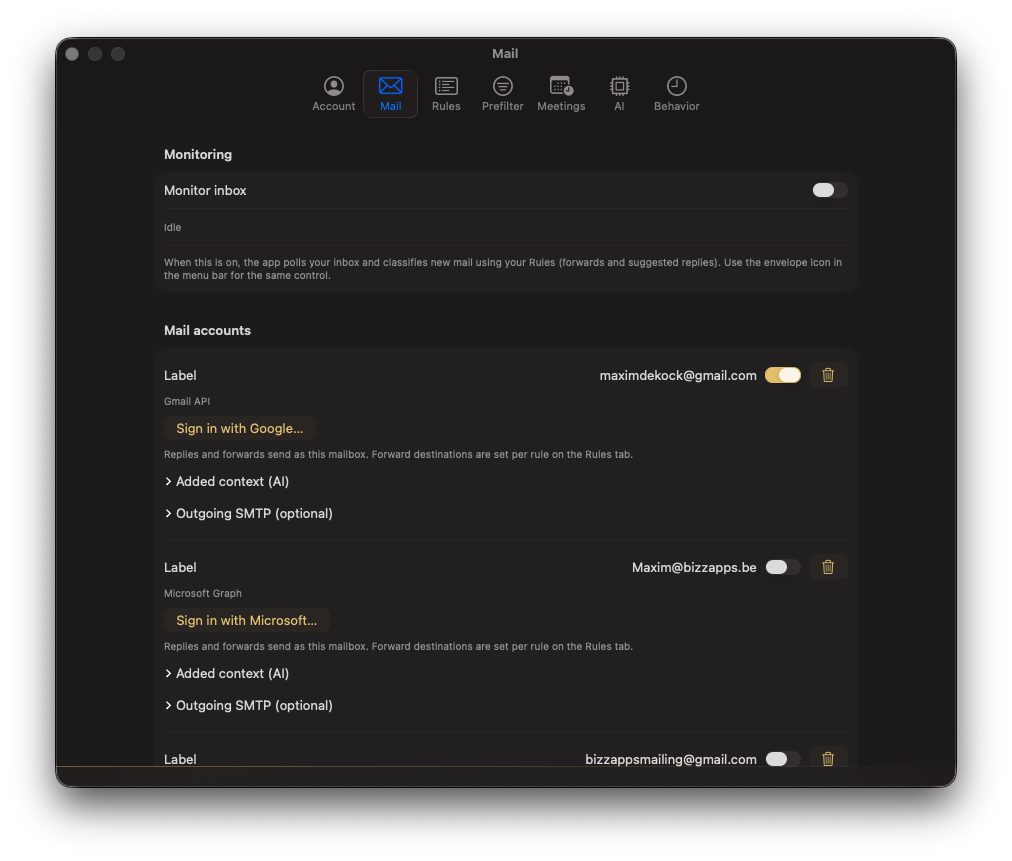
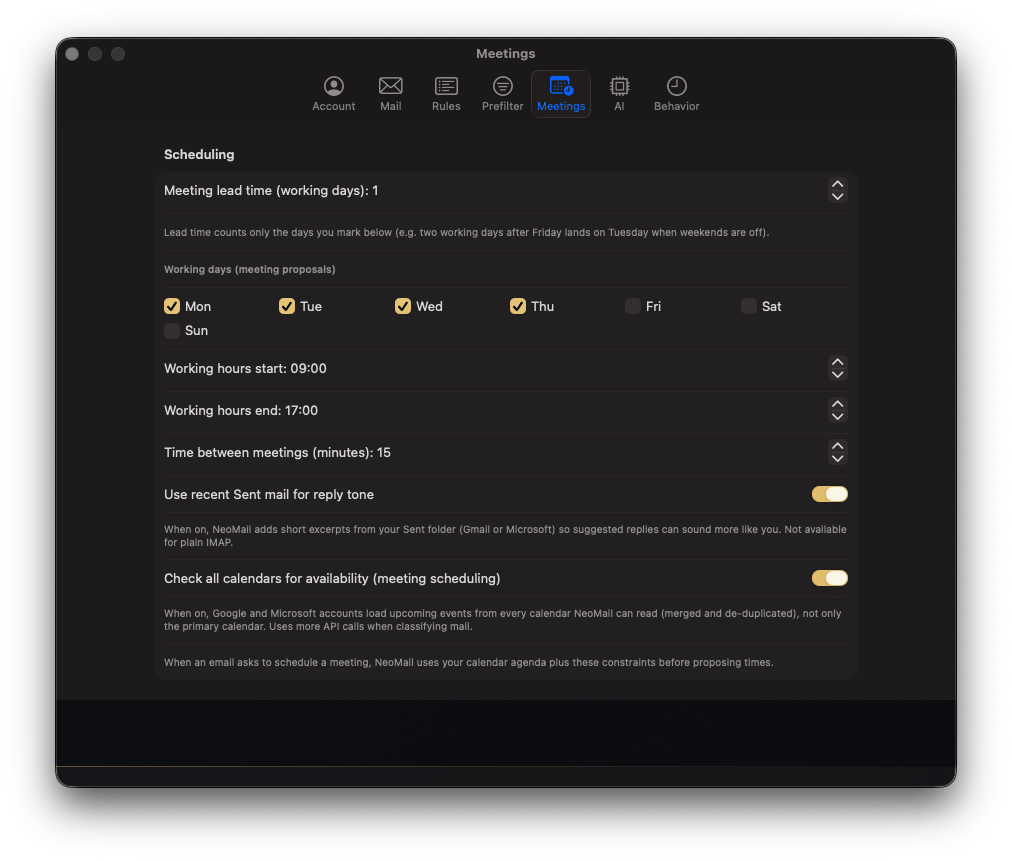
Mail accounts, rules (including catch-all), and meeting settings. Inbox and Second Mind views will be added as the client UI is captured.